Why Gym Member Check-Ins Help You Make Business Decisions

Published
· Updated

TL;DR
The easiest check-in system is the one members use without being asked. Members check themselves in from the app on their phone. A tablet at the front desk in Kiosk Mode catches anyone who walks in without one. And coaches can check in a forgotten-phone member, or a whole class, from the Staff App. All three write to the same attendance record in PushPress, so your reports don't have holes. That matters: members who check in 12 or more times a month have roughly a 2% chance of canceling the next month, against about 20% for members who check in once.
How check-in works with PushPress:
1. A member checks in from the app on their phone, in seconds.
2. Anyone without their phone walks up to the front-desk tablet in Kiosk Mode (PIN-locked) and checks in themselves.
3. A coach or front-desk staff member checks in exceptions from the Staff App, one at a time or for a full class.
4. The Screens app can show live check-ins on a gym TV.
Most gym owners treat check-ins as a formality. The best ones treat them as their early-warning system. Every time a member checks in, they hand you the single most predictive piece of data you have about whether they are going to stay or quit.
Here is the number that makes the case. PushPress data shows that a member who checks in 12 or more times in a month has only about a 2 percent chance of canceling the next month. A member who checks in just once has about a 20 percent chance. Attendance is the clearest signal of retention there is, and a good check-in system is how you capture it. This guide covers what a gym check-in system is, the fastest ways to run one, and how to turn that check-in data into members who stay. It is the engagement layer of the gym member retention system.
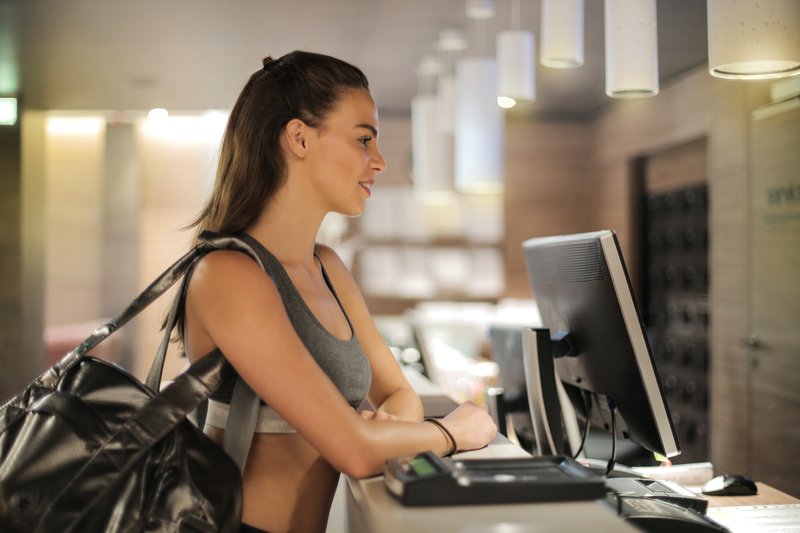
What is a gym check-in system?
A gym check-in system is the tool members and staff use to record attendance at your gym, whether through a front-desk kiosk, a member app, or a staff-managed dashboard. Beyond marking who showed up, a good system validates that the member has an active plan and a signed waiver, tracks attendance streaks, and feeds the reports that tell you who is at risk of leaving.
In other words, it is not just a door counter. It is the data layer underneath retention, billing, and liability.
Why check-in data is your best retention signal
Check-ins quietly power the decisions that keep your gym healthy:
- Predict churn before it happens. A member whose attendance drops is telling you they are drifting. A check-in-fed churn report surfaces at-risk members while you still have time to reach out. This is the whole reason the 12-check-in benchmark matters.
- Celebrate the wins. Check-in data flags milestones (a 100th class, a streak) so you can recognize members publicly. Recognition reinforces the habit and deepens loyalty.
- Catch billing problems early. A good system alerts a member at check-in if their plan has lapsed, often something as simple as an expired card, before it becomes lost revenue.
- Forecast staffing and schedule. Months of check-in data show your real busy times, so you can add a coach or cut a dead class slot with confidence.
- Track limited and punchcard plans. If you sell class packs, check-ins are the only way to draw down usage accurately.
- Protect against liability. If an injury happens, check-ins are your definitive record of who was in the building, and they ensure waivers are signed before anyone trains.
The fastest ways to check members in
How check-in works with PushPress:
1. A member checks in from the app on their phone, in seconds.
2. Anyone without their phone walks up to the front-desk tablet in Kiosk Mode (PIN-locked) and checks in themselves.
3. A coach or front-desk staff member checks in exceptions from the Staff App, one at a time or for a full class.
4. The Screens app can show live check-ins on a gym TV.
The best check-in method is the one your members actually use. A good system gives you options:
Self check-in
- Kiosk mode. Park a tablet on the front desk running the PushPress Staff App in kiosk mode. Members tap their name and class and they are in.
- Member app. Members reserve ahead of time and check in from their phone when they arrive with one tap.
Staff check-in
- Control panel. Front-desk staff check members in from a laptop through the Core dashboard.
- Staff app. Coaches check in a whole reserved class with one tap, add walk-ins, or check in individuals from their phone.
On the gym floor
- Screens app. Display live check-ins on a gym TV so coaches can confirm at a glance that everyone has signed in, and surface birthdays and anniversaries to celebrate on the spot.
Gym check-in options compared
Every method records the same attendance data. What changes is who does the work and where it fits best.
- Kiosk mode (self check-in). A tablet at the front desk running the Staff App. The member types their name and picks their class. Best for open gyms and busy front desks, because it takes no staff time.
- Member app (self check-in). The member opens their reservation and taps Check In. Best for reservation-based classes. It is available the day of the class, until class starts.
- Staff app (coach check-in). The coach checks members in at the start of class, one at a time or in bulk. This is the most common method for class-based gyms.
- Control panel (front desk). Staff check members in from the Classes section of the Core dashboard. Best when someone is already working at a computer.
- Schedule check-in page. A full view of the day's classes and reservations, with waitlists, for managing a busy schedule.
Whichever method you choose, members have to sign any required digital documents before they can check in. There is no way to bypass it.
How to set up gym check-ins in PushPress Core
Kiosk mode takes a few minutes to set up:
- Open the Staff App on a tablet.
- Go to Settings (the gear icon), then Kiosk Mode.
- Create a PIN. It is what lets you exit kiosk mode later.
- From the home screen, select Check-in. The tablet is now ready for members.
Members enter their name, choose their class from the schedule list, and get a confirmation. Kiosk mode works on iOS and iPadOS 15.0 or higher, and on Android 5.1 or higher.
To let members check themselves in from their phone, they follow these steps in the Member App:
- From the Home screen, select Schedule.
- Open the Reservations tab.
- Select the class or appointment.
- Tap Check In.
Members need a reservation, and check-in closes when class starts. After that, only a coach can check them in from the Staff App.
What to look for in a gym check-in system
If you are evaluating options, the features that actually move retention are:
- Self-serve check-in that does not create a front-desk bottleneck.
- At-risk reporting built from attendance, so dropping members surface automatically.
- Milestone and streak tracking so recognition is automatic, not something you have to remember.
- Plan and waiver validation at the moment of check-in.
- Attendance history and reporting you can actually act on.
These are built into PushPress Core, and Committed Club turns the attendance data into a game members want to win.

Turn check-ins into retention
Capturing the data is step one. The retention comes from acting on it:
- Run the missed-class follow-up. When an at-risk member's attendance drops, reach out fast. This is the highest-impact retention habit there is, and it is central to the First 90 Days Retention Playbook.
- Gamify consistency. PushPress Committed Club turns the 12-check-in sweet spot into visible recognition, so members chase the streak on their own.
- Celebrate every milestone. Use the check-in data to catch 100th classes and anniversaries, and make a moment of them.
Frequently asked questions
What is a gym check-in system?
The tool members and staff use to record attendance, through a front-desk kiosk, a member app, or a staff dashboard. A good one also validates active plans and signed waivers, tracks attendance streaks, and feeds the reports that flag members at risk of canceling.
What's the easiest gym check-in system?
The easiest one is the system your members use without being asked: app check-in for members with their phones, a front-desk Kiosk Mode tablet for walk-ups, and staff check-in for exceptions, all feeding one attendance record.
How do gym member check-ins work?
Members check themselves in (via a front-desk tablet in kiosk mode or their phone app), or staff check them in from a dashboard or staff app. Each check-in records attendance, confirms the member has a valid plan and signed waiver, and adds to the data behind your churn and engagement reports.
How do check-ins help with member retention?
Attendance is the strongest predictor of retention. Members who check in 12-plus times a month have only about a 2 percent chance of canceling the next month, while those who show once sit around 20 percent. Check-in data lets you spot dropping members early and reach out before they quit.
What is the best way to check members into a gym?
The one your members will actually use. Self check-in via a tablet kiosk or a member app is fastest for members, while a staff app lets coaches check in a full class in one tap. Most gyms offer more than one method.
How do you automate gym check-ins?
Use a gym management system with self-serve check-in (kiosk or member app), automatic plan and waiver validation, and attendance-based reporting. From there you can trigger milestone celebrations and at-risk follow-ups automatically instead of tracking anything by hand.
What is the easiest gym check-in system to set up?
Kiosk mode in the PushPress Staff App. Open Settings, choose Kiosk Mode, create a PIN, and select Check-in from the home screen. Members then enter their name, pick their class, and get a confirmation. It runs on iPads and Android tablets.
Can members check themselves in from their phone?
Yes. In the PushPress Member App, members open Schedule, then Reservations, select their class, and tap Check In. They need a reservation, and check-in is available the day of the class until it starts.
Do members have to sign a waiver before checking in?
Yes, if your gym requires digital documents. Members must sign them before they can check in, and there is no way to bypass this at the kiosk or in the Member App.
Can a member be checked in after class has started?
Yes, but only by a coach. Once class begins, members can no longer check themselves in, so a coach checks them in from the Staff App.
The bottom line
Check-ins look like admin. They are actually the richest retention data your gym generates. Capture attendance with a system your members will use, watch the reports for members who are drifting, and act fast when they do. That simple loop, powered by check-in data, is one of the most reliable ways to keep members.
For the full system it feeds, see the complete guide to gym member retention.
Resources for Gym Owners
Playbooks, checklists and on-demand webinars — every one built from an interview with an owner who runs the system.
Ready to scale your fitness business?
Try our hassle-free gym management software loved by thousand of successful gym owners.
PushPress is the reason my gym became profitable.
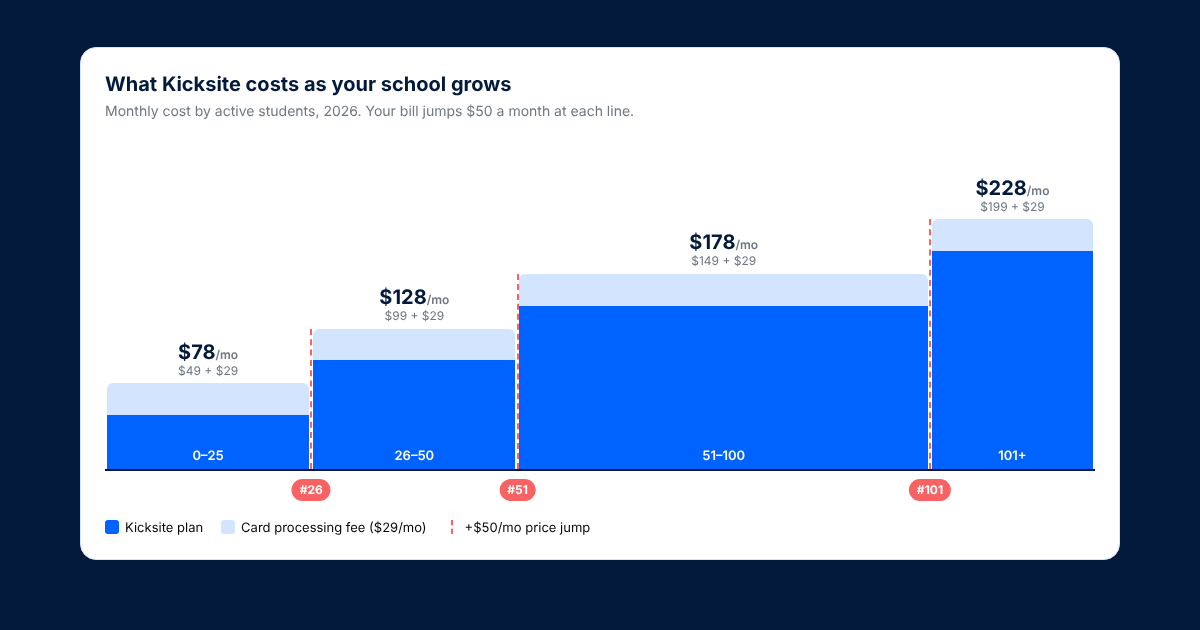
Kicksite Pricing 2026: New Tiers, Processing Fees & Real Cost
What Kicksite costs at your size in 2026, the processing fee that's not on its pricing page, and what to ask.

Spark Membership Review (2026): Is It Worth It for Your School?
What Spark costs at your size, what owners say, and a quick check to see if it solves your real problem.

Coaching Pregnant and Postpartum Athletes: What Every Coach Should Know
Five training variables to adjust for pregnant and postpartum athletes, with cues coaches can use tomorrow.
Follow along and build a better gym with us
Get actionable strategies and ideas to help you grow your gym and manage it successfully, in your inbox every week!